
All-In Plan for HP
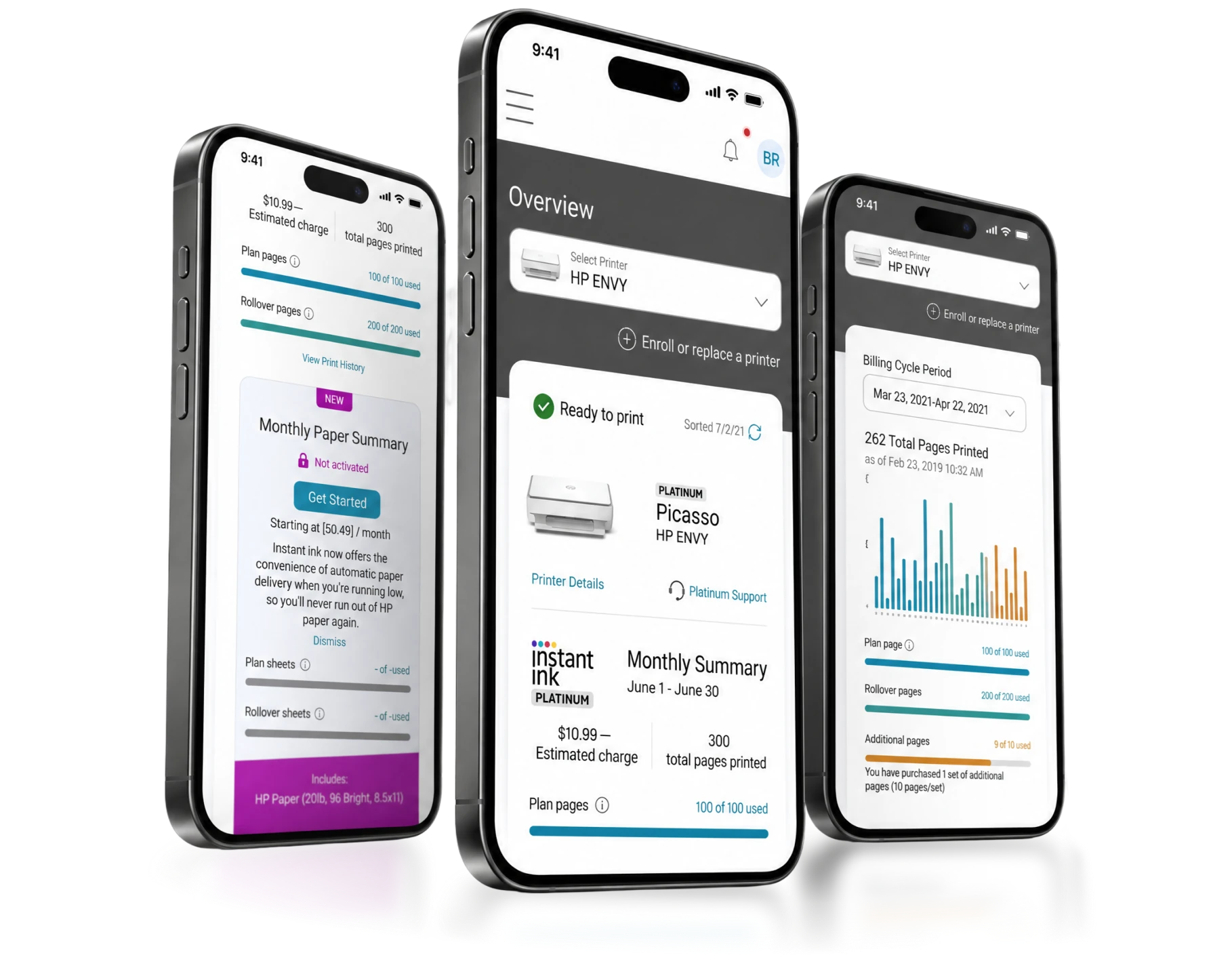
HP's subscription already delivered ink and paper. The All-In Plan added the printer itself. I designed how the account handles a printer the customer doesn't own, and raised the open questions that came with it.
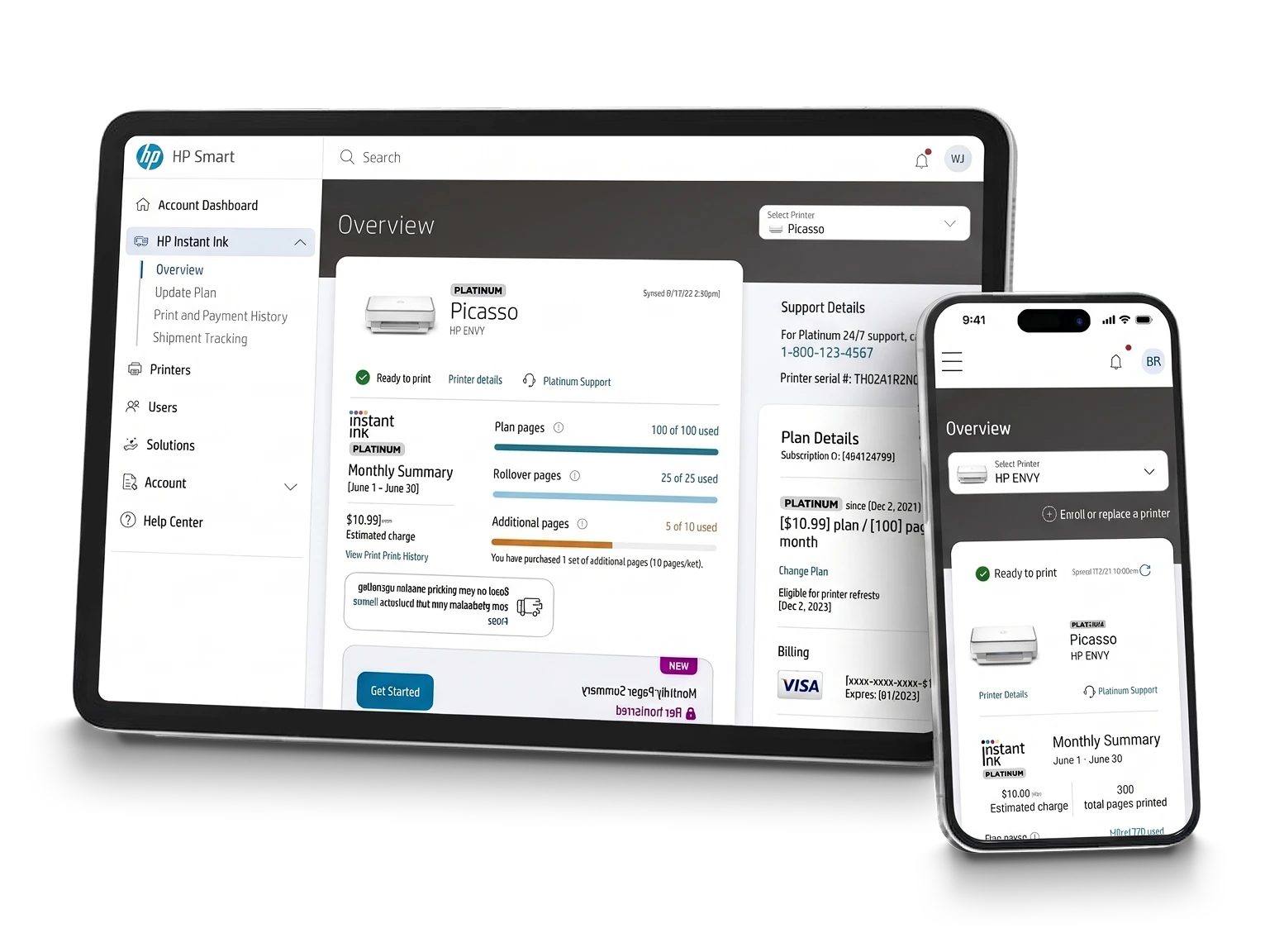
The Plan Gained Something That Could Break
HP Instant Ink already delivered ink, toner and paper to millions of subscribers. The printer knows its own levels, tells HP, and supplies arrive before they run out. A consumable service, running quietly for years.
The All-In Plan added the printer itself. The customer no longer buys the hardware — they subscribe to it, closer to a utility company's equipment than to a purchase.
That changes what the account has to represent. A supplies plan has a balance, a cycle and a shipment. This one also has an object in someone's home: it ships, it prints, it breaks, it gets replaced, and eventually it has to come back. Every one of those is a state the interface has to be able to show.
The model was past its first MVP but still in testing, and several service rules hadn't been decided yet. The design work kept arriving at them before the business did.
 My Role
 Collaboration
Adapting a Supply Flow to an Object
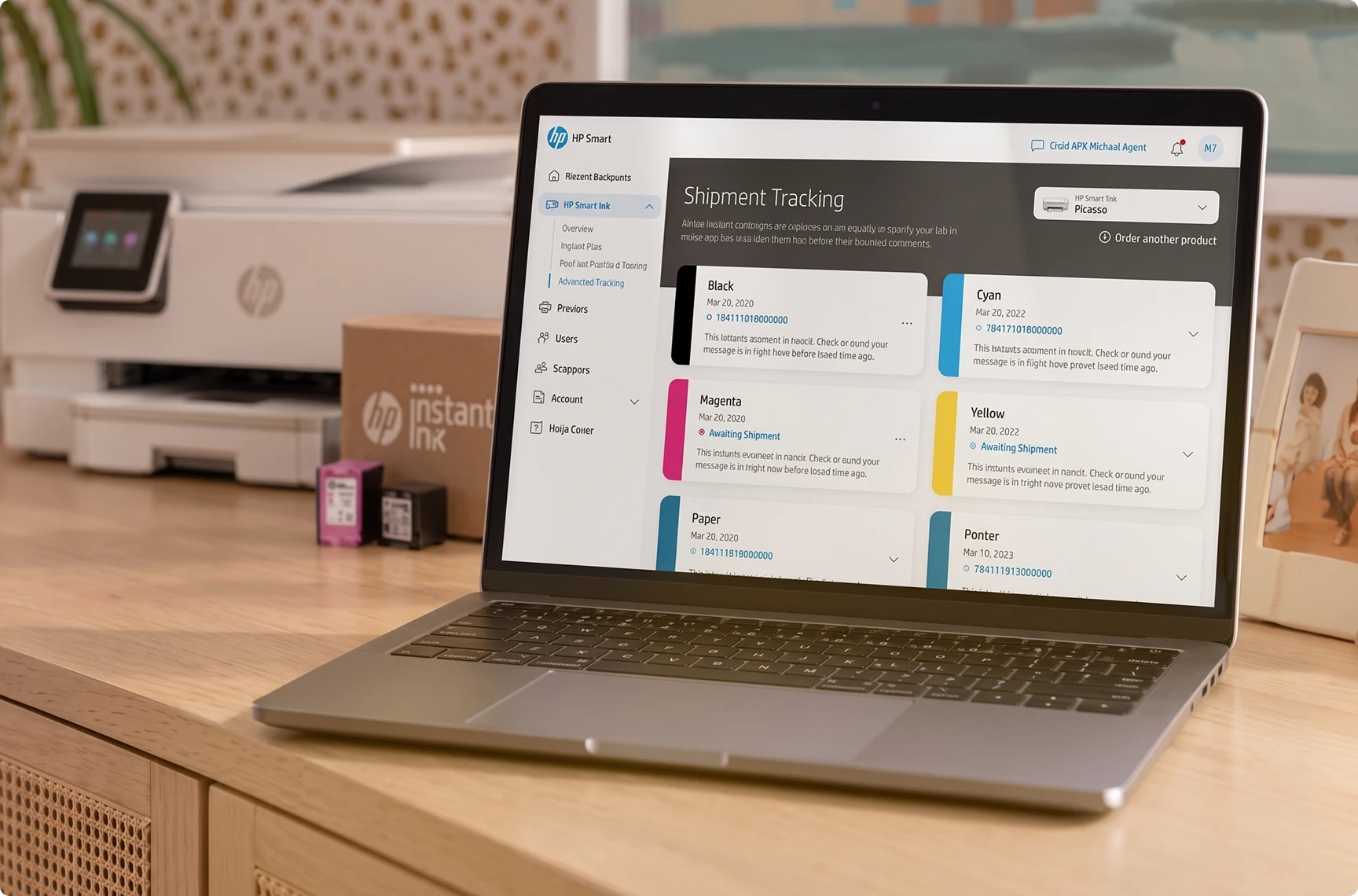
Problem: The customer had a mental model built over years of Instant Ink: things arrive when the printer says so. Introducing the hardware as a separate concept would have split that model in two.
Proposal: The printer appears as a shipment item alongside Black, Cyan, Magenta, Yellow and Paper — one tracking view, one place to look, whether what's moving is a cartridge or the machine itself.
Argument: The promise of the service is that the customer never has to think about logistics. Inheriting the existing pattern kept that promise intact for a category of thing it was never designed for.
The Printer Has to Come Back
Ink and paper could follow the rules Instant Ink already had. The printer couldn't: a cartridge gets used up, but a printer has to come back. Whenever a screen needed a rule that was still being defined, we brought the question to HP's product team.

Return
QuestionWhen the plan ends but the printer is still at home, what does the account show, and what should the customer do?
Why it matteredThe customer never bought the printer. The plan ends, but the object is still in the house.
What changedReturn states carrying a visible next step.

Damage
QuestionIf it comes back broken, who pays — and how that gets established between customer, carrier and HP.
Why it matteredLiability sits between customer, carrier and HP before any screen can say anything.
What changedHandoff notes where the rule was still undecided.

Evidence
QuestionShould the account record the printer's condition before it ships back (for example, a photo or a checklist)? If so, at which step?
Why it matteredWithout a record, every disputed return falls back on support.
What changedNamed states instead of assumptions.


HP answered some questions right away. Others were still being worked out and stayed outside our scope. That made it clear what we would design now and what HP would decide later. Asking early is what turned a gap into a decision instead of an assumption.
It Shipped, Printer and All
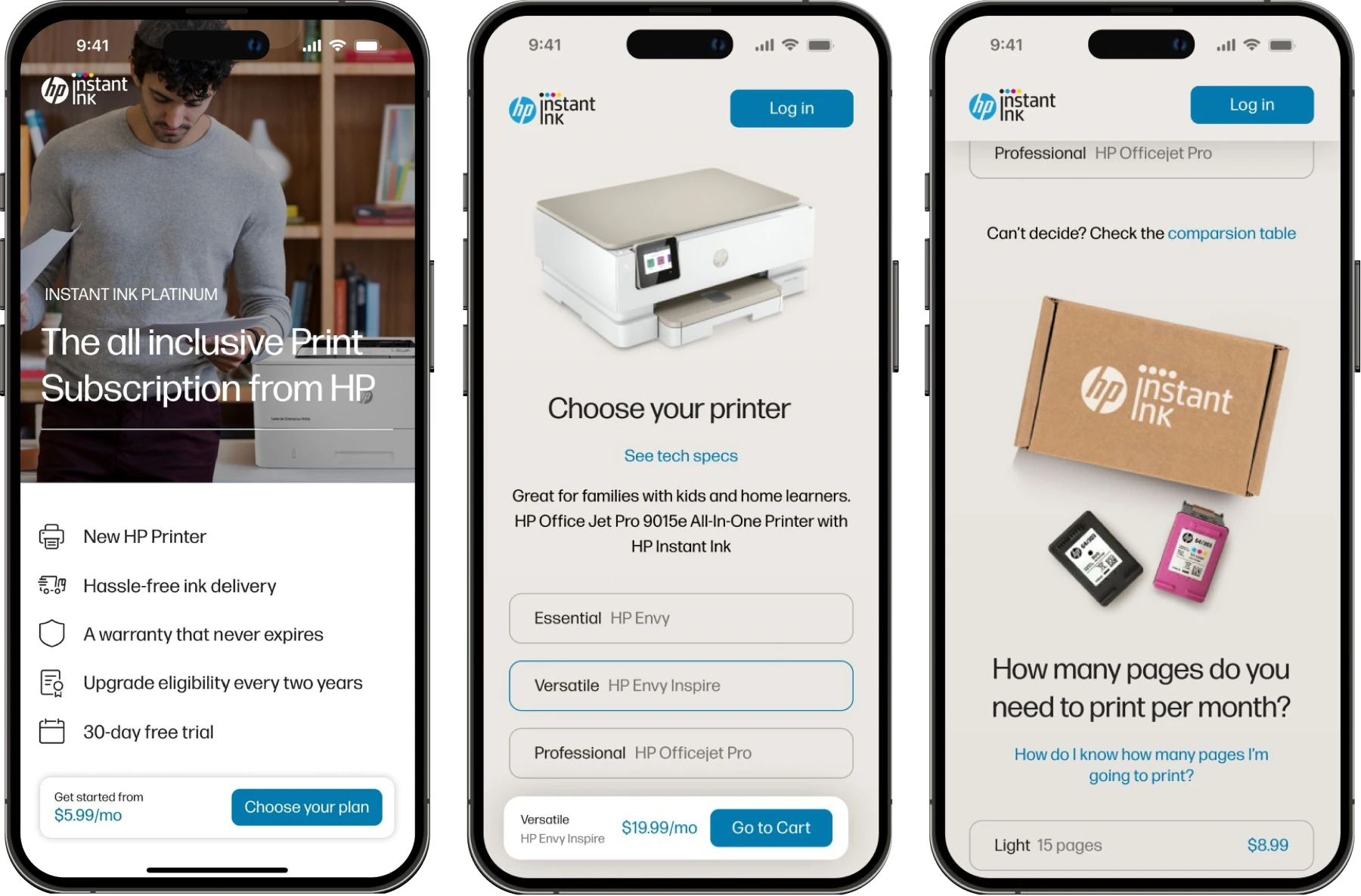
The printer-included plan went live. Ink, toner, paper and the printer itself now move through one account: one shipment list, one usage view, one plan.
- A tracking view where the printer is a shipment item alongside every consumable
- Hardware states carried through the account rather than ending at delivery
- Open service rules turned into named states instead of assumptions
- Handoff notes for engineering and QA where a rule was still being decided




What the Screens Made Visible
Designing screens can reveal product questions early, while they're still easy to settle.
When a subscription includes a physical object, the interface does more than list options. It has to show how the service works, step by step, and that reveals where rules still need to be written.



Let’s build better digital products.

hello@deiver.com.br